
Quick answer: You can play Blossom on any iPhone or Android phone right in the mobile browser, no download and no app store account needed. The flower board uses large touch targets, your keyboard stays on screen while you build words, and your scores save on the device itself. Add the page to your home screen and it opens like an app, full screen and ready in one tap.
Most Blossom players do not sit at a desk. They play on a train, in a waiting room, or half awake with the phone in one hand and coffee in the other. The good news is that the game travels well. A flower board is naturally thumb friendly: seven big letter petals, one submit button, no tiny menus to fat-finger. This guide covers how blossom game mobile play works in the browser, the touch controls, the iPhone and Android differences worth knowing, and what to do on the rare morning the board misbehaves.
Play in the browser, skip the download
There is nothing to install. Open your phone’s browser, go to the game page, and the day’s flower loads ready to play. That sounds like a small thing, but it matters. There are no app store passwords, no storage warnings on a nearly full phone, and no waiting on an update before the puzzle will open. The same page works on a five-year-old phone and this year’s flagship, because a word puzzle asks almost nothing of the hardware.
Browser play also means the puzzle is identical everywhere. Your phone, your tablet, and a borrowed laptop all show the same letters and the same rules, so a score is a score. If you prefer the zero-install route in general, our page on blossom game no download walks through why the browser version is the full game, not a stripped-down demo.
Touch controls and the on-screen keyboard
You build words two ways. Tap petals on the flower to add letters, tap the center whenever the word needs it, and tap backspace to undo the last letter. Or type on the on-screen keyboard, which most phones show automatically when the board is active. Tapping is slower but more deliberate; typing is faster once your fingers learn the board. Many regulars mix both, tapping the first word of the day to warm up, then typing once they are hunting pangrams.
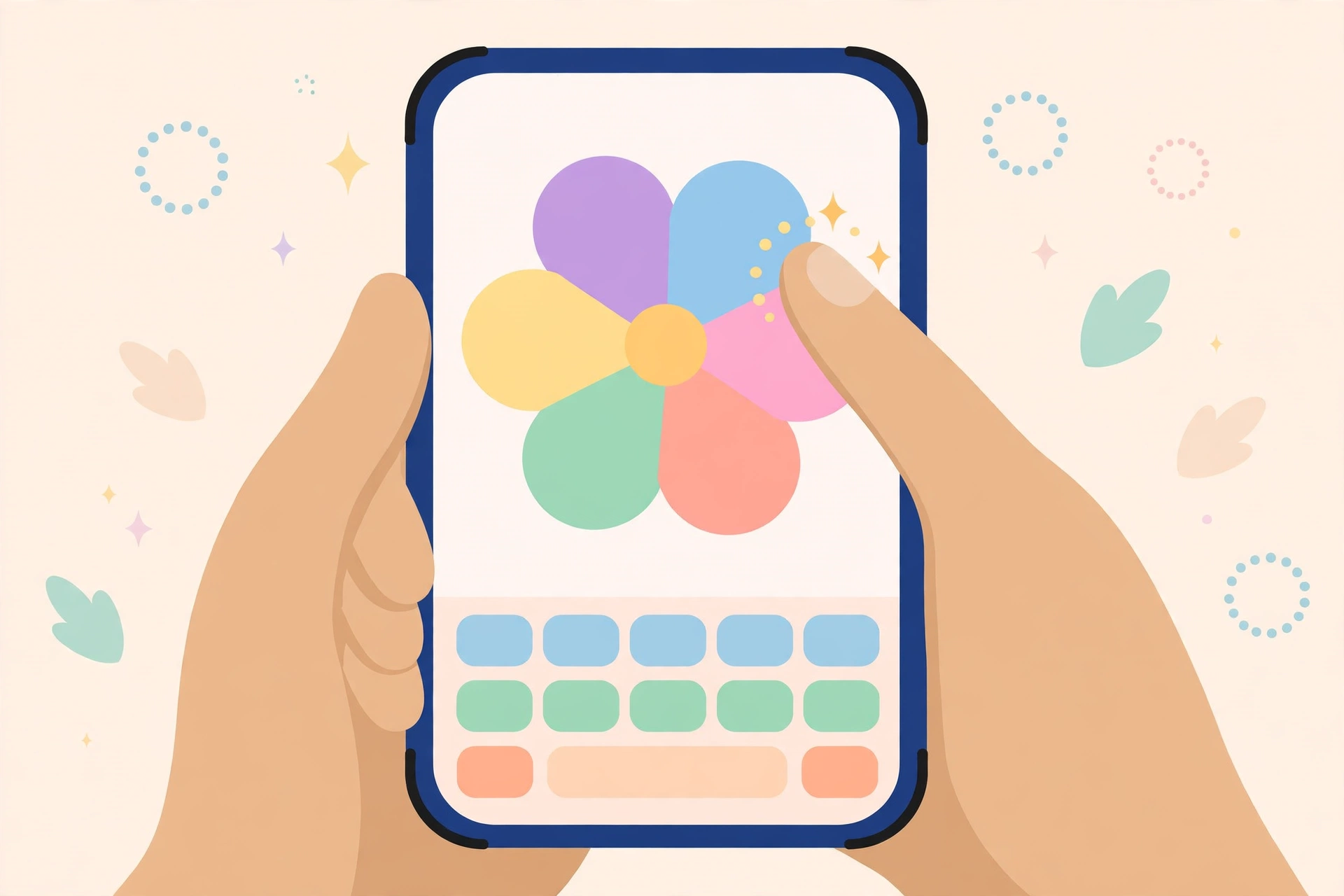
A few small habits help on touchscreens. Turn your phone upright; portrait mode keeps the flower and keyboard stacked without overlap. Use the shuffle button often, since a fresh arrangement is cheaper than squinting at a layout your eyes have memorized. And if a tap registers twice, slow down rather than pressing harder. The board reads light taps fine, and double letters usually come from bounce, not pressure.
On iPhone: Safari tips that actually help
Safari handles the game smoothly, and you can make it feel like a native app in about ten seconds. Open the game, tap the Share button, and choose Add to Home Screen. The new icon launches the puzzle full screen, with no address bar eating into the board. It also keeps the game one tap away on your home screen, right where a daily habit wants to be.
Two iPhone quirks are worth knowing. Private browsing mode forgets your saved scores when you close the tab, so play in a regular tab if your history matters to you. And if the keyboard covers the submit button, a small scroll or a switch to landscape for a moment fixes the layout. Neither issue is common, but both are confusing the first time they appear mid-puzzle.
On Android: Chrome and the home screen shortcut
Chrome on Android works the same way. Open the game, tap the three-dot menu, and choose Add to Home screen. The shortcut opens the puzzle in a clean window. Samsung Internet and Firefox handle the page fine as well. If your keyboard app offers a compact or one-handed mode, the flower sits higher on the screen and the petals get easier to reach with a thumb.
Android players occasionally hit an aggressive battery saver that reloads background tabs. If you leave the puzzle mid-round and the tab refreshes when you return, pin the tab or exclude your browser from battery optimization. Your in-progress word list is stored locally, but a hard reload by the system can still interrupt a round.
Your scores, your privacy
Scores on this site are saved in your browser’s local storage, on the device in your hand. There is no account to create and no score uploaded anywhere. Clear your browser data and the history goes with it, which some players treat as a feature and others learn the hard way. If you switch phones, your streak does not follow you, though the daily puzzle itself is the same on the new device. For the full picture of playing without accounts or costs, see our free blossom game page.
When the board freezes: fixes that work
A frozen board almost always has a boring cause. Work through this order. First, scroll the page slightly; some browsers pause rendering on an untouched tab. Second, close the keyboard and reopen it by tapping the board. Third, refresh the page; the daily puzzle reloads with the same letters. Fourth, check your connection, since a stalled first load can leave a half-drawn flower. As a last step, clear the site’s cached files from your browser settings and load the page fresh.

If letters will not tap at all, test another page. A completely unresponsive screen points to the phone or a screen protector issue, not the game. An old device with a cracked digitizer often drops touches along one edge, which shows up as one dead petal. Rotate the phone; if the dead spot moves with the flower rather than staying on the glass, reload the page once more.
Accessibility settings worth a look
A few phone settings quietly improve the game for almost everyone. Bolder system text makes the letters on each petal easier to read at a glance, which matters when you are scanning for pangram patterns. Reducing screen animations in your accessibility settings calms the shuffle transition if motion bothers you. On Android, switching off keyboard vibration gives the board a steadier feel during fast typing, and on iPhone the same effect comes from turning off keyboard clicks and haptics while you play.
Voice control deserves a mention too. Both major phone systems can tap and type by voice command, which some players with limited hand mobility use to build words letter by letter. It is slower than touch, but the game has no timer, so a slower input method costs you nothing but a few extra seconds. Word puzzles are unusually friendly that way: patience is a strategy, not a compromise. If glare is your problem rather than input, a matte screen protector and a bump in brightness do more than any in-game setting could.
Data, battery, and small screens
A day of Blossom uses less data than loading a single photo-heavy news page, and battery drain is negligible because nothing animates constantly. On small screens, the board scales down but petals stay comfortably tappable. If text feels tight, your browser’s page zoom at 110 or 125 percent makes the flower bigger without breaking the layout. Players who also play on a computer can compare the experience on our blossom game online page, which covers the desktop layout.
Frequently asked questions
Do I need to download an app to play Blossom on my phone?
No. The game runs in your mobile browser on both iPhone and Android. Open the page and play. Adding a home screen shortcut gives you an app-like icon and full-screen view without installing anything.
Why did my saved scores disappear?
Scores live in your browser’s local storage. They vanish if you clear browser data, play in a private or incognito tab, or switch to a different browser or phone. Play in a regular tab in the same browser to keep your history.
Can I play Blossom offline on mobile?
You need a connection for the page to load the day’s puzzle. Once it is open, brief signal drops usually do not interrupt play, but a full offline session is not supported, so load the flower before you head into a tunnel.
The keyboard covers part of the board. How do I fix it?
Scroll the page up a little, or rotate to landscape briefly so the layout reflows. Switching your keyboard to a compact or floating mode also frees space. The submit button sits below the flower, so a small scroll almost always reveals it.
Is the mobile version the same puzzle as desktop?
Yes. The letters, rules, and scoring are identical everywhere. A word that scores on your phone scores the same on a laptop, which is the whole point of a daily puzzle shared between friends.
Does playing on mobile use much data or battery?
Very little of either. The page is light, there is no video or constant animation, and a full day of play typically uses less data than a single social media photo. Battery impact over a ten-minute session is barely measurable.
Blossom game mobile: one final check
Set up once, blossom game mobile needs nothing else: the same flower, the same twelve slots, ready in your pocket. If a blossom game mobile round throws up a disputed word, settle it in a standard dictionary such as Merriam-Webster.